
Stop losing the paperwork: using Document AI to turn messy files into searchable operational records
Document AI helps SMEs turn PDFs, scans and forms into searchable records that cut admin drag, reduce handoff errors and improve traceability.
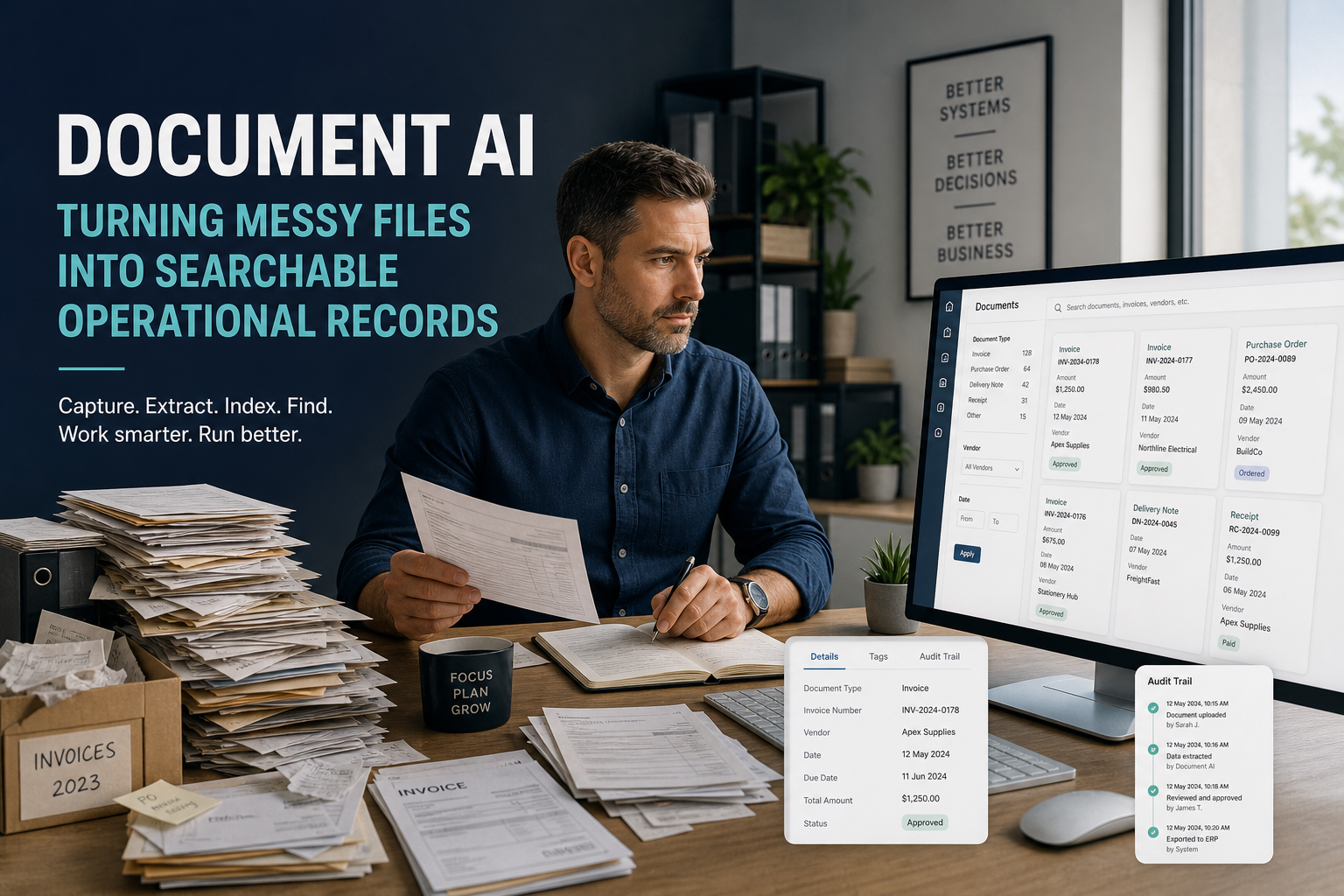
Stop losing the paperwork: using Document AI to turn messy files into searchable operational records
Most SMEs do not have a data problem. They have a document problem.
The information is already there, but it is trapped in scanned PDFs, email attachments, handwritten forms, shared drives and half-finished handovers. Staff spend too much time searching, retyping and checking details that should have been usable from the start.
That is where Document AI matters.
Not as a shiny AI demo. Not as “magic OCR”. As a practical way to turn messy files into searchable, structured operational records.
The real business problem
In many businesses, the same pattern repeats:
- someone receives a form, invoice, contract or case note
- they open it, read it, and copy details into another system
- another person later has to search for the same file again
- a mistake or missing field creates a delay
- everyone loses time
That waste is usually invisible until you add it up across the week.
Document AI can reduce that waste by extracting useful information from unstructured documents and making it available for search, routing and review.
What Document AI actually changes
Used properly, Document AI does three useful things:
- it extracts text and key fields from documents
- it makes content searchable and easier to retrieve
- it supports cleaner handoffs between people and systems
The point is not to remove human judgement. The point is to stop humans doing repetitive document handling before they can do the work that actually needs them.
Where the value shows up
The commercial case usually appears in four places:
- faster retrieval
- less duplicate data entry
- fewer handover errors
- better traceability
If a team can find the right document in seconds instead of minutes, that compounds quickly.
If a process no longer depends on retyping the same details into multiple places, rework drops.
If an exception is visible instead of buried in an attachment, the whole operation gets easier to manage.
Good SME use cases
Document AI is strongest where the same document type appears again and again.
Typical examples:
- supplier invoices and remittances
- customer forms and onboarding packs
- policy, HR and compliance documents
- meeting notes and operational handover packs
- case files and service records
These are the places where information gets lost in the gap between “we have the file” and “we can actually use the file”.
What good implementation looks like
The mistake most businesses make is trying to automate everything at once.
A better approach is simple:
- start with one document type
- define the fields that matter
- decide what should be extracted automatically
- build a human review step for exceptions
- keep one source of truth
- measure the time saved and the rework reduced
Document AI works best as part of a workflow, not as a standalone gadget.
Common mistakes
There are four predictable mistakes:
- treating OCR as the full solution
- automating a broken process without fixing ownership
- ignoring exception handling
- trying to cover every document on day one
If your process is already messy, AI will not magically make it clean. It will just help you process the mess faster unless you define the rules properly.
A simple decision test
Ask these questions:
- Which documents are touched most often?
- Where do staff keep re-searching or retyping information?
- Which handoffs fail most often?
- Which files need to become searchable first?
- What is the cost of a missed detail?
If the answers point to repeated friction, that is a strong candidate for Document AI.
The practical conclusion
Document AI is valuable when it turns static files into operational records.
That means less admin drag, fewer handover failures and faster access to the information already sitting inside your business.
The goal is not novelty. The goal is control, speed and less waste.
If you want help deciding where Document AI would actually pay off in your business, Seemee Technology Services can help you map the right document workflow, review gates and measurement points.
References
- NIST, AI Risk Management Framework: https://www.nist.gov/itl/ai-risk-management-framework
- Google Cloud Document AI overview: https://docs.cloud.google.com/document-ai/docs/overview
- Microsoft Azure Document Intelligence overview: https://learn.microsoft.com/en-us/azure/ai-services/document-intelligence/overview?view=doc-intel-4.0.0
- McKinsey, The State of AI: Global Survey 2025: https://www.mckinsey.com/capabilities/quantumblack/our-insights/the-state-of-ai
Need help deciding where Document AI pays off?
Seemee Technology Services can help you map the right document workflow, review gates and measurement points.