
When does renting AI stop making sense? A practical SME threshold for lower-cost or local models
Hosted AI is often the right default, but SMEs should know when volume, sensitivity, reliability or failure cost makes routed or local models the better commercial choice.
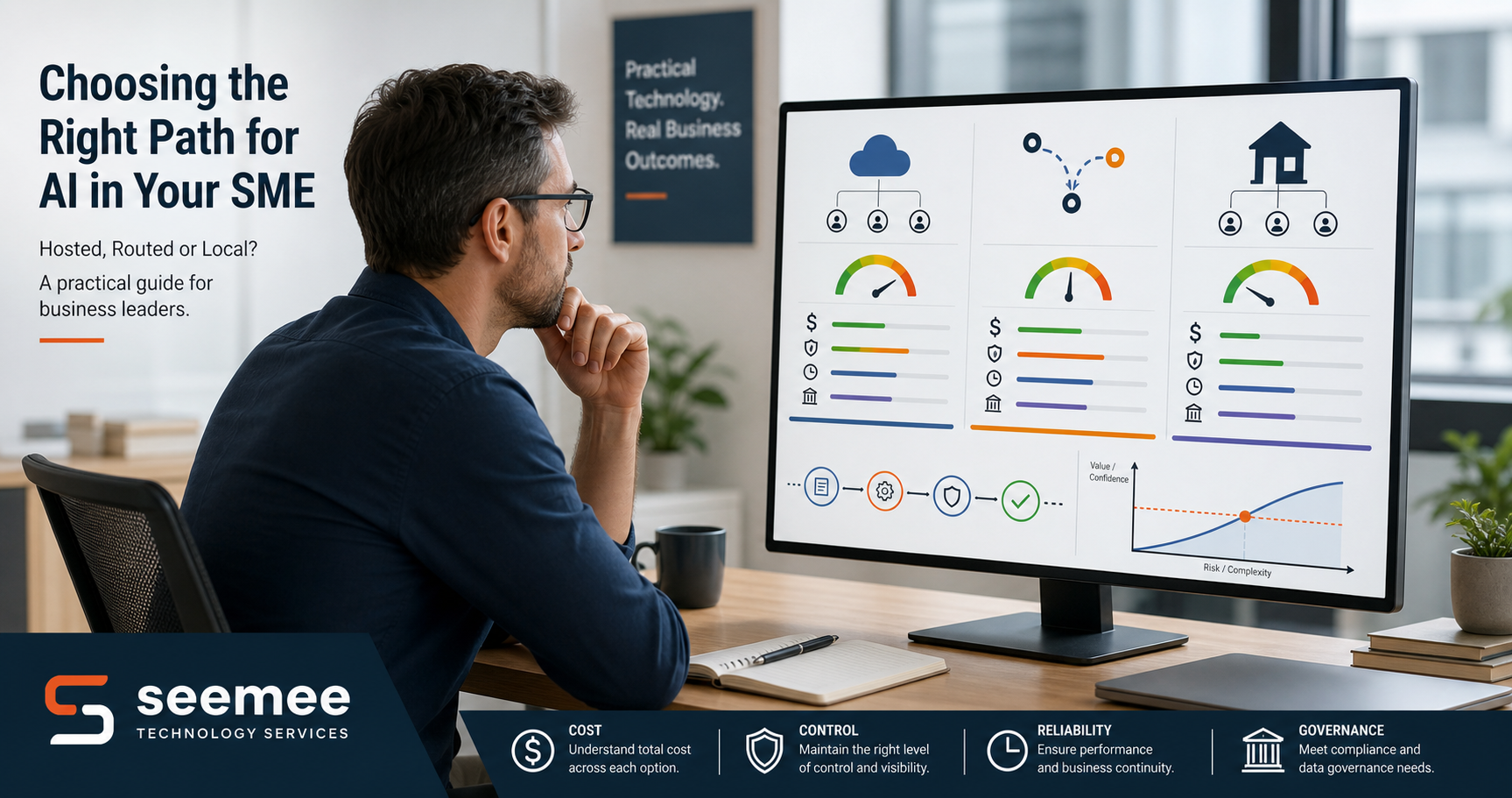
When does renting AI stop making sense? A practical SME threshold for lower-cost or local models
AI spend often starts as a convenience cost. A team tries a hosted model, saves time, and assumes the bill will stay manageable. Then the workflow grows, usage rises, and the monthly spend becomes a line item that needs a proper explanation.
That is when the useful question changes.
The question is no longer whether AI can help. It is whether renting a hosted model is still the best commercial choice for that specific workflow.
For many SMEs, the answer is still yes. Hosted models are easy to start with, easy to govern at a basic level, and often the right answer for low-risk, variable work. But there is a point where volume, sensitivity, reliability, or switching cost make a different setup more sensible.
This is not about chasing the cheapest option for its own sake. It is about choosing the right operating model for the job.
The commercial test is simple: if the AI setup saves time, but the savings disappear into rework, review, or vendor spend, it is not really saving the business anything.
The real decision is not model loyalty
Too many AI discussions turn into brand loyalty or benchmark theatre. That is the wrong frame for an SME.
The commercial decision usually comes down to four thresholds:
- usage volume
- data sensitivity
- latency and reliability tolerance
- failure cost
If a workflow is low risk, infrequent, and easy to verify, renting a hosted model is often the cleanest option.
If the workflow runs at high volume, touches more sensitive data, or becomes expensive to rework when it goes wrong, the case for lower-cost routed models or local deployment gets stronger.
In other words, the best setup depends on workflow risk, not on fashion.
Three deployment shapes SMEs should compare
1. Hosted models
Hosted models are usually the easiest way to get started.
They suit work where:
- demand is variable
- the process is still evolving
- the output can be reviewed by a human
- data sensitivity is moderate or low
This is the sensible default for many early AI pilots. It reduces setup friction and avoids premature complexity.
2. Brokered or routed models
Once usage grows, one vendor may no longer be the whole answer.
Routed setups let you choose between models or providers depending on the task. That can help when you want:
- more flexibility
- a fallback if one provider is slow or unavailable
- better control over cost and performance trade-offs
OpenRouter is a useful example of this pattern. Its routing docs describe model selection and provider selection as separate decisions, which is exactly the kind of split SMEs should understand when they start caring about resilience and spend.
3. Local or smaller models
Local models become more attractive when control matters more than convenience.
That can include situations where:
- the data is sensitive
- the workflow is repetitive and high volume
- latency matters
- the team wants to reduce dependence on a single vendor
- the business can accept a modest trade-off in capability for better control
Ollama’s documentation is a good signal here. It explicitly supports running open models locally and also notes that quantisation can reduce memory use and make models run on more modest hardware, albeit with some accuracy trade-off.
A practical SME threshold test
If you want a simple rule, start here.
Keep renting if the workflow is:
- low sensitivity
- low frequency
- easy to verify
- cheap to correct
- not business critical
Start testing lower-cost routed or local options if the workflow is:
- high volume
- repetitive
- expensive to rework
- becoming a recurring cost centre
- dependent on better response consistency
Raise the bar again if the workflow is:
- sensitive
- regulated
- hard to reverse
- customer-facing
- exposed to real commercial consequence if it fails
That last category is where control starts to outweigh convenience.
The hidden costs that change the answer
Token spend is only one part of the picture.
When SMEs decide whether to keep renting AI, they also need to factor in:
- retrieval and orchestration overhead
- human rework caused by inconsistent output
- governance and review time
- vendor lock-in
- switching friction later on
Those costs are easy to ignore when a pilot is small. They become obvious when the workflow scales.
This is why a workflow that looks cheap in month one can become expensive by month six.
How to measure the decision properly
Before changing the setup, track a few plain-English measures:
- admin hours saved per week
- cost per workflow run
- rework or correction rate
- customer response time
- approval turnaround time
- exception count
If the hosted setup is saving time but the rework rate is climbing, that is a warning sign.
If a routed or local setup reduces spend but slows response time or creates more exceptions, that is also a warning sign.
The right decision is the one that improves the whole workflow, not just the model invoice.
Where SMEs usually get the economics wrong
The most common mistake is to compare model price alone.
That misses the real cost structure.
A slightly more expensive model can be the right answer if it saves rework, reduces manual checking, or behaves more predictably. Likewise, a cheaper model can be the wrong answer if it increases correction time or creates unreliable outputs in a critical workflow.
The second mistake is to wait until the AI stack is already embedded before reviewing the economics.
By then, switching becomes politically and operationally harder than it should be.
The third mistake is to treat "local" as automatically better.
Local deployment can improve control, but it also introduces maintenance, model management, update handling, and support overhead. NIST’s AI Risk Management Framework is a useful reminder that AI decisions should be managed through a flexible risk process, not assumed to be safe because they are technically neat.
A simple decision checklist
Before renewing, expanding, or redesigning an AI workflow, ask:
- What exact job is this model doing?
- How often does the workflow run?
- What data does it touch?
- How bad is a wrong answer?
- How expensive is rework?
- What is the switching cost if we change later?
- Would routing or local deployment reduce risk or just add complexity?
If you cannot answer those questions clearly, you are not yet making a commercial decision. You are just paying for convenience.
Real-world examples
The point is easiest to see in common SME workflows.
Low-risk drafting tasks can often stay hosted for longer because the output is easy to check and the cost of failure is low.
Internal knowledge lookup may justify a routed setup if the team needs more predictable response times or wants to spread usage across providers.
Customer support triage can move towards lower-cost or local options if the volume is high and the task is repetitive enough to justify tighter control over spend.
Operations or compliance-adjacent note generation may justify stronger controls earlier because the downside of inconsistency is higher.
The pattern is the same: the more sensitive, repetitive, or commercially important the workflow becomes, the more you should question whether pure rented convenience is still the best choice.
The commercial takeaway
Renting AI is not the wrong default.
It is often the right starting point.
But the best SMEs do not keep renting by habit. They review the workflow against a clear threshold: volume, sensitivity, reliability, and failure cost. If the workflow crosses those thresholds, the business should compare routed or local options instead of assuming hosted is still the cheapest answer.
That is how you reduce waste, keep control, and avoid paying for convenience long after convenience stops being the sensible choice.
If you want help deciding whether a workflow should stay hosted, move to routing, or shift closer to local control, Seemee Technology Services can help you build a practical decision rule around cost, risk, and operating impact.
References
- NIST, Artificial Intelligence Risk Management Framework (AI RMF): https://www.nist.gov/itl/ai-risk-management-framework
- NIST, AI RMF 1.0 PDF: https://nvlpubs.nist.gov/nistpubs/ai/nist.ai.100-1.pdf
- Ollama Docs, Quickstart: https://docs.ollama.com/quickstart
- Ollama Docs, Importing a Model and quantisation: https://docs.ollama.com/import
- OpenRouter Docs, Model routing overview: https://openrouter.ai/docs/guides/routing/provider-selection
Need help deciding the right AI model setup?
Seemee Technology Services can help you compare hosted, routed, and local options against cost, risk, and workflow impact.